Activate Wolf Page Builder Extension or Wolf Core plugin
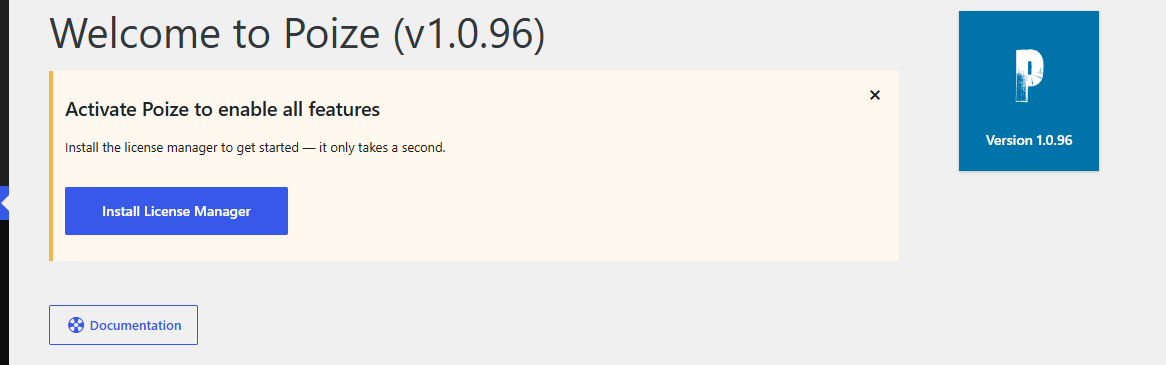
Once the theme is installed, you will see a prompt asking you to install the Envato License Manager plugin to verify your purchase.
Simply click the "Install License Manager" button to automatically install and activate the plugin.
Then, go to Appearance > About the Theme and click the License tab. Enter your theme purchase code to activate the theme.

You don't need to activate anything else. See our post about Bundled Premium Plugin Activation.
If your code is correct but you can't activate your theme, please refer to this article:
https://wolfthemes.ticksy.com//article/19454/
--
Want to skip the hassle? Let me handle all the setup for you. Explore our setup services